ClaudeConnected
CursorAdd
CodexAdd
VS CodeAdd
Connect your AI
One click for Claude Desktop and Claude Code. Install links or a config snippet for the rest.
 Blobby
Design tools make pictures of websites. Blobby makes the website: your AI builds it in real HTML and CSS while you steer. Free, no account, no API key.
Works with the AI you already use
Today you describe a page, paste a screenshot back, explain what looks off, and repeat. Blobby gives your AI a canvas it can see and you can point at.

Blobby runs its own MCP server, so any AI app that speaks MCP can open projects, write sections, check its work and read your comments.
One click for Claude Desktop and Claude Code. Install links or a config snippet for the rest.
Create a landing page for acme.com in Blobby
It studies the real site, writes a brief, then builds section by section while you watch.
Click any element, press C, say what should change. Your AI applies it and replies.
Plain HTML and CSS with your brand tokens. No framework, no runtime, no lock-in.
Layers, a design panel, direct editing and comments, so you can steer the AI or just fix things yourself.
Every section appears on desktop, tablet and mobile artboards as your AI writes it. Select, drag, resize and edit text directly.
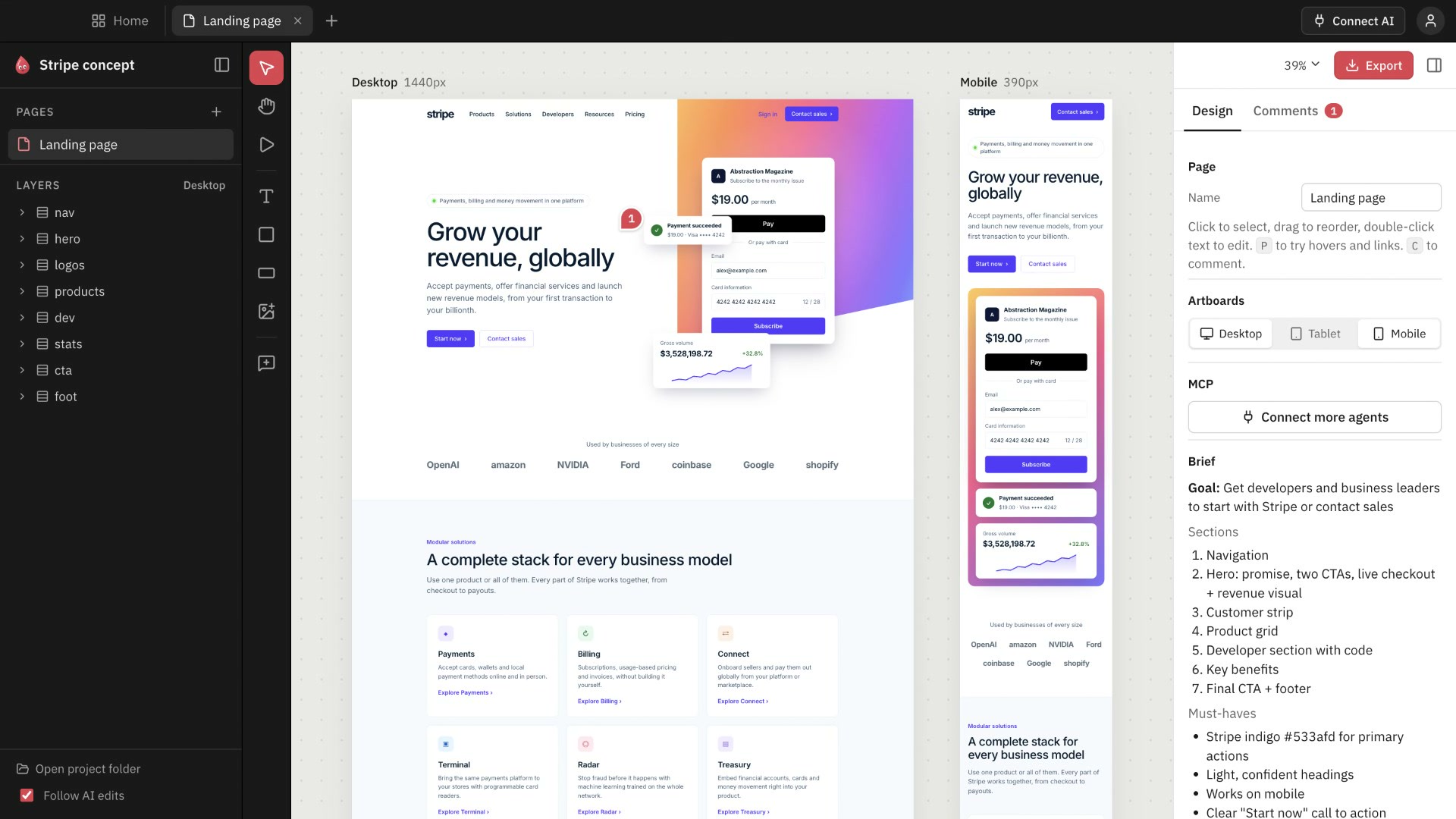
Before it calls a page done, it runs automated checks on every screen size.
It reads the live site first: colors, fonts, buttons and layout, so the design matches.
See the desktop, tablet and mobile versions update together.
Step-by-step setup for nine AI apps, or any MCP client.
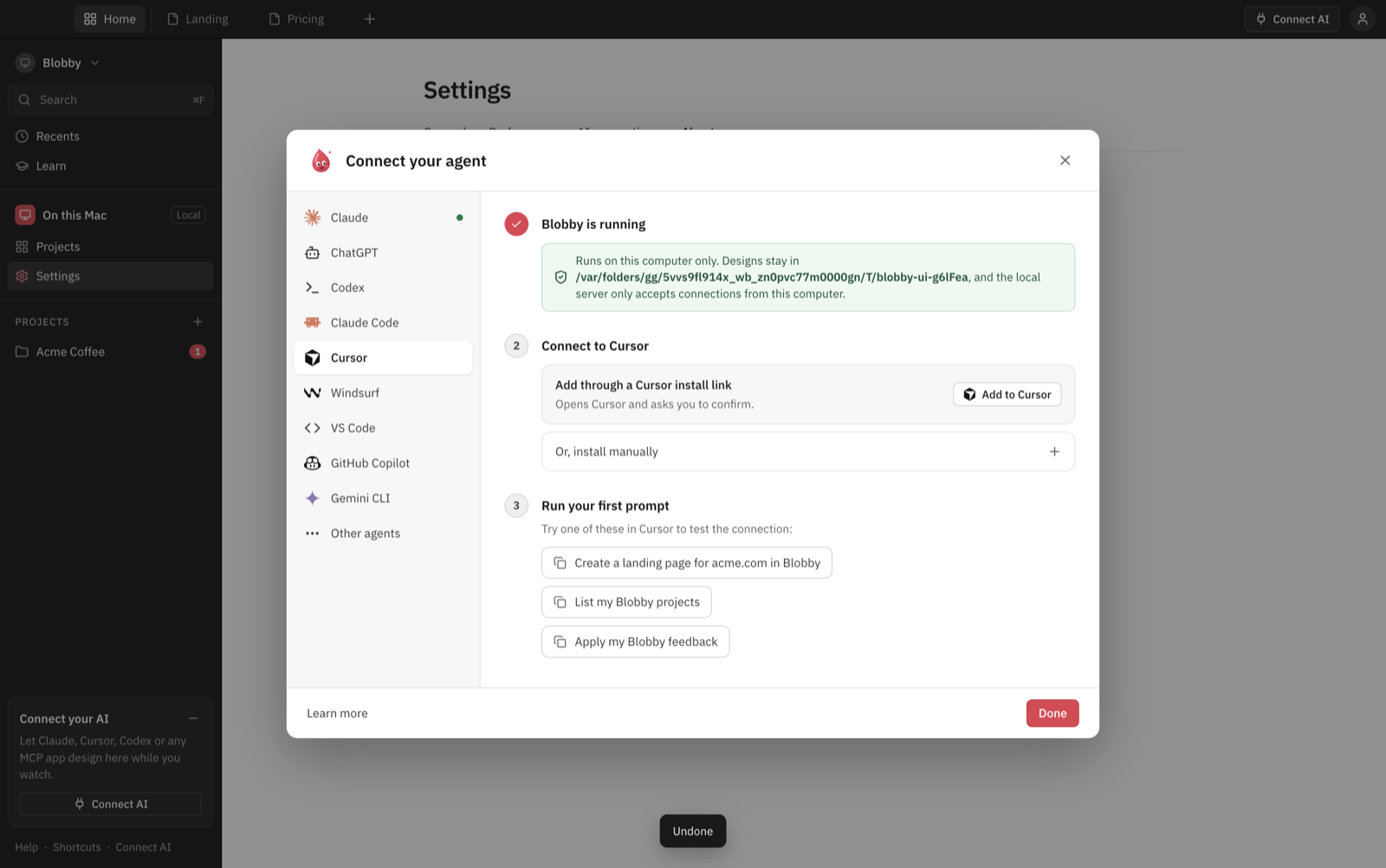
No build step, no account. Three runtime dependencies.
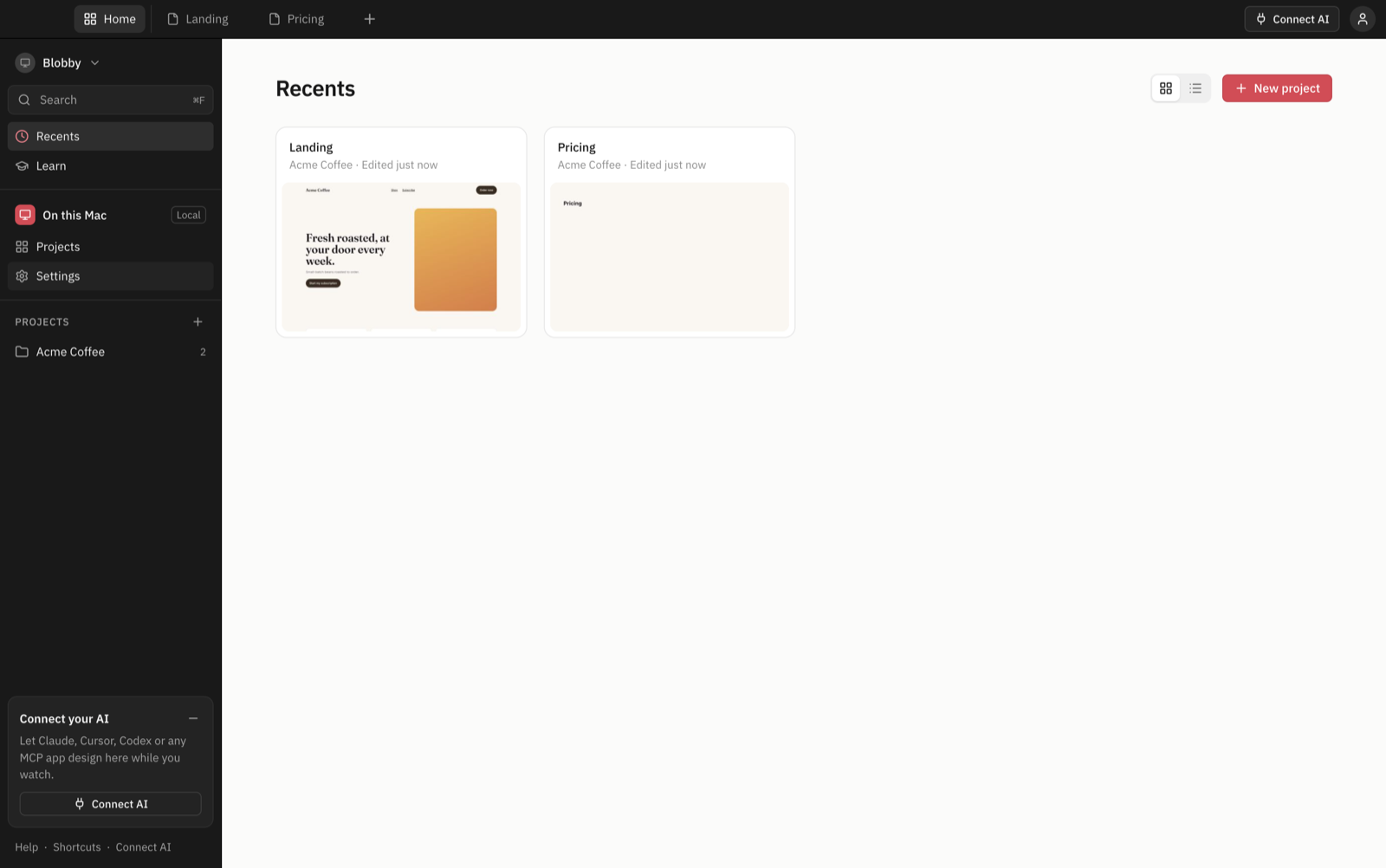
Everything lives in plain folders on your computer. Open them, version them, edit them by hand.
The open-source app is ready today. Next: a hosted version with share links, teams, and support for AI apps like ChatGPT and claude.ai.
Open source desktop app
Hosted, for teams
Yes. The desktop app is open source under the MIT license. Use it for personal and client work, change it, ship what you make. A hosted Cloud version for teams is coming later.
No. Blobby has no built-in model. It connects to the AI app you already use, like Claude Desktop, Claude Code, Cursor or Codex, through MCP.
Claude Desktop, Claude Code, Cursor, Codex, VS Code with GitHub Copilot, Windsurf, Gemini CLI and any other MCP client. ChatGPT and claude.ai need a public server, which is what Blobby Cloud is for.
Yes. Export gives you a plain index.html, styles.css and your assets. There's no runtime or framework to install, so it drops into any site.
On your computer, as plain folders in ~/Blobby. Nothing is uploaded. You can open the files, put them in Git, or edit them by hand and the canvas updates.
Today Blobby exports clean HTML and CSS that works in any website or CMS, including Shopify and WordPress themes. More export formats may come later.
It's tested on macOS. Windows and Linux are supported but not tested yet. If something breaks, please open an issue on GitHub.
Free, open source, and running on your computer in two minutes.
 Home
Home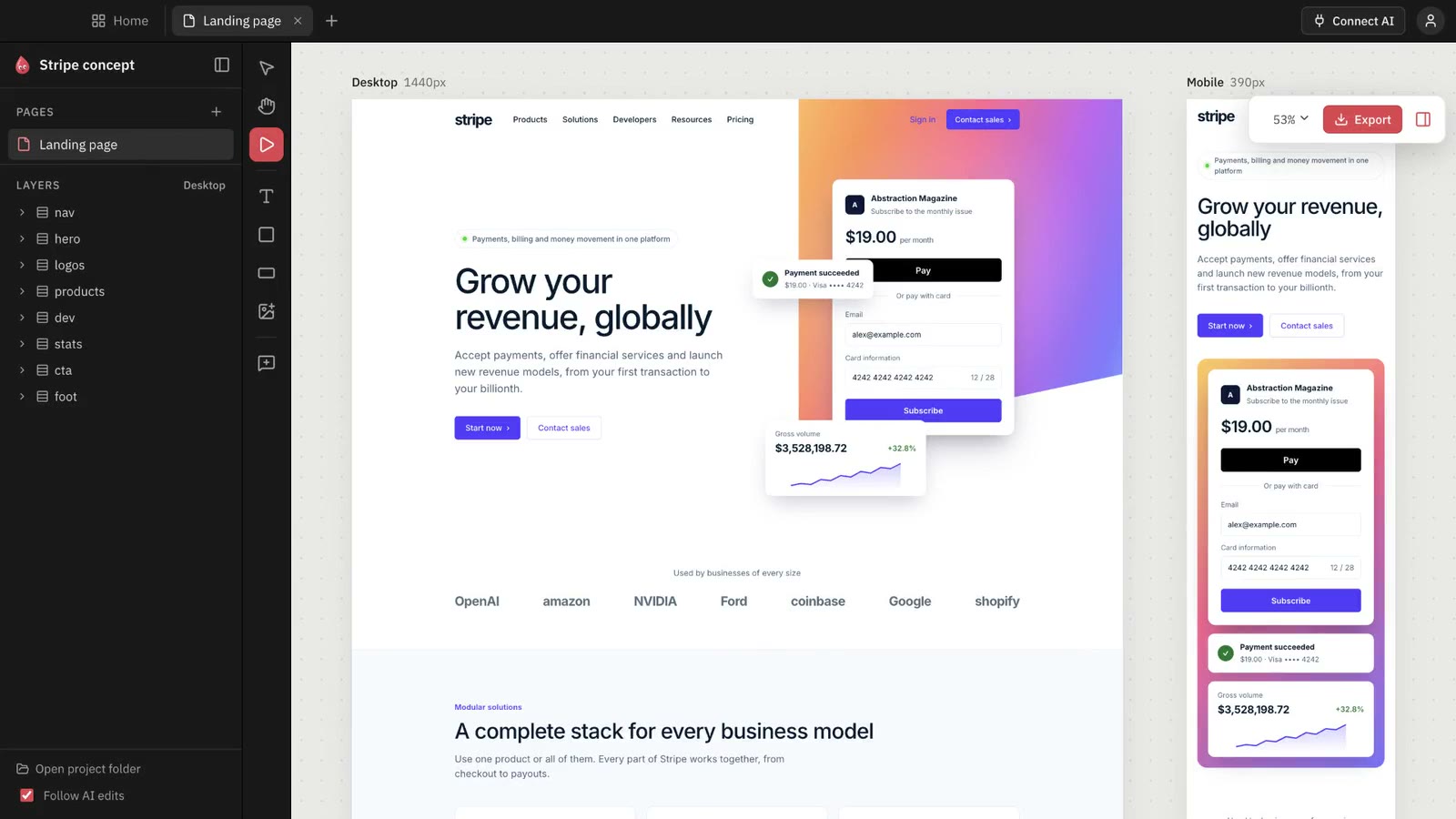 Build
Build